This article provides step-by-step instructions on how to upload or update your company logo in the Cangooroo Extranet, ensuring it is displayed correctly in outgoing emails.
Step-by-Step Guide
1. Access the Extranet.
Log in to your Cangooroo Extranet using your credentials.
2. Navigate to Company Settings.
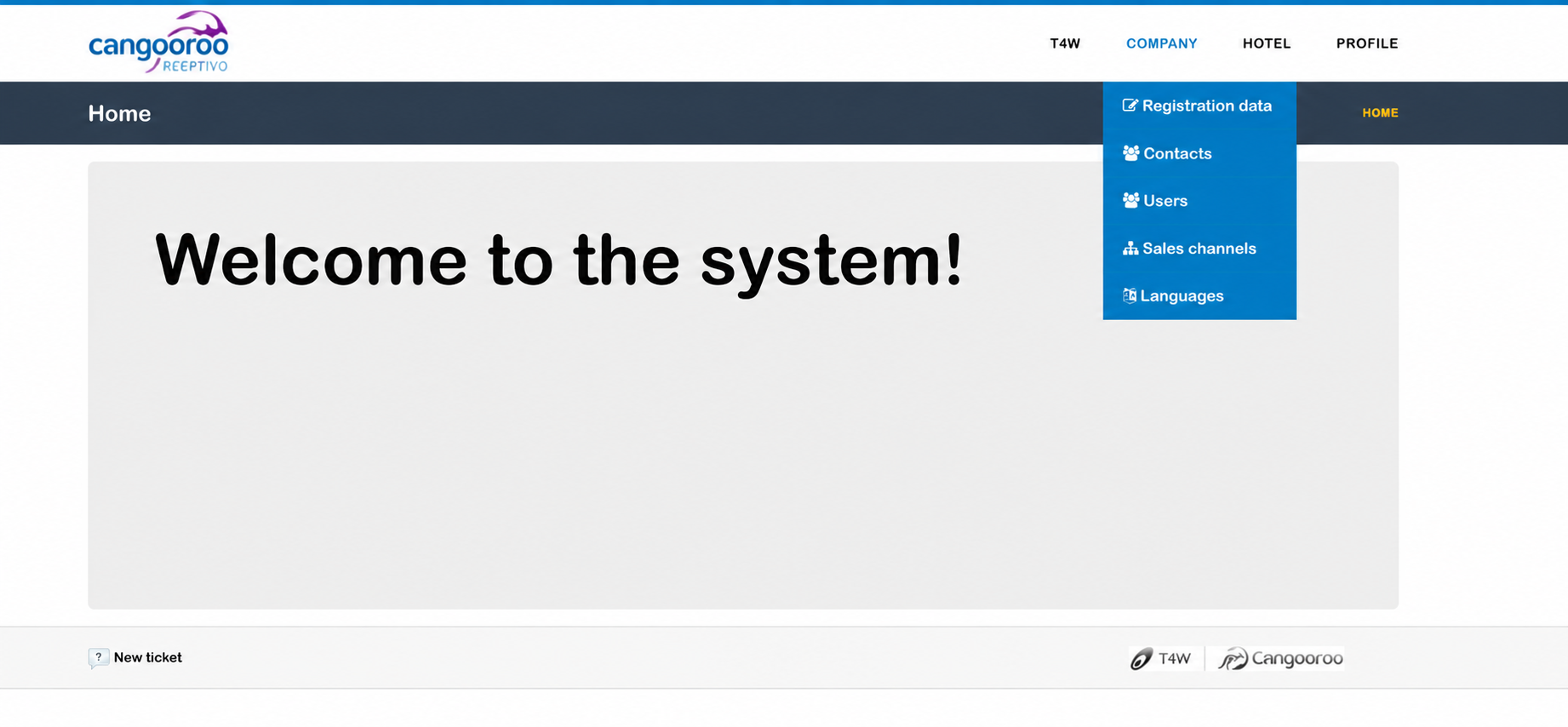
From the top menu, click Company and select Registration Data.
3. Upload Your Company Logo.
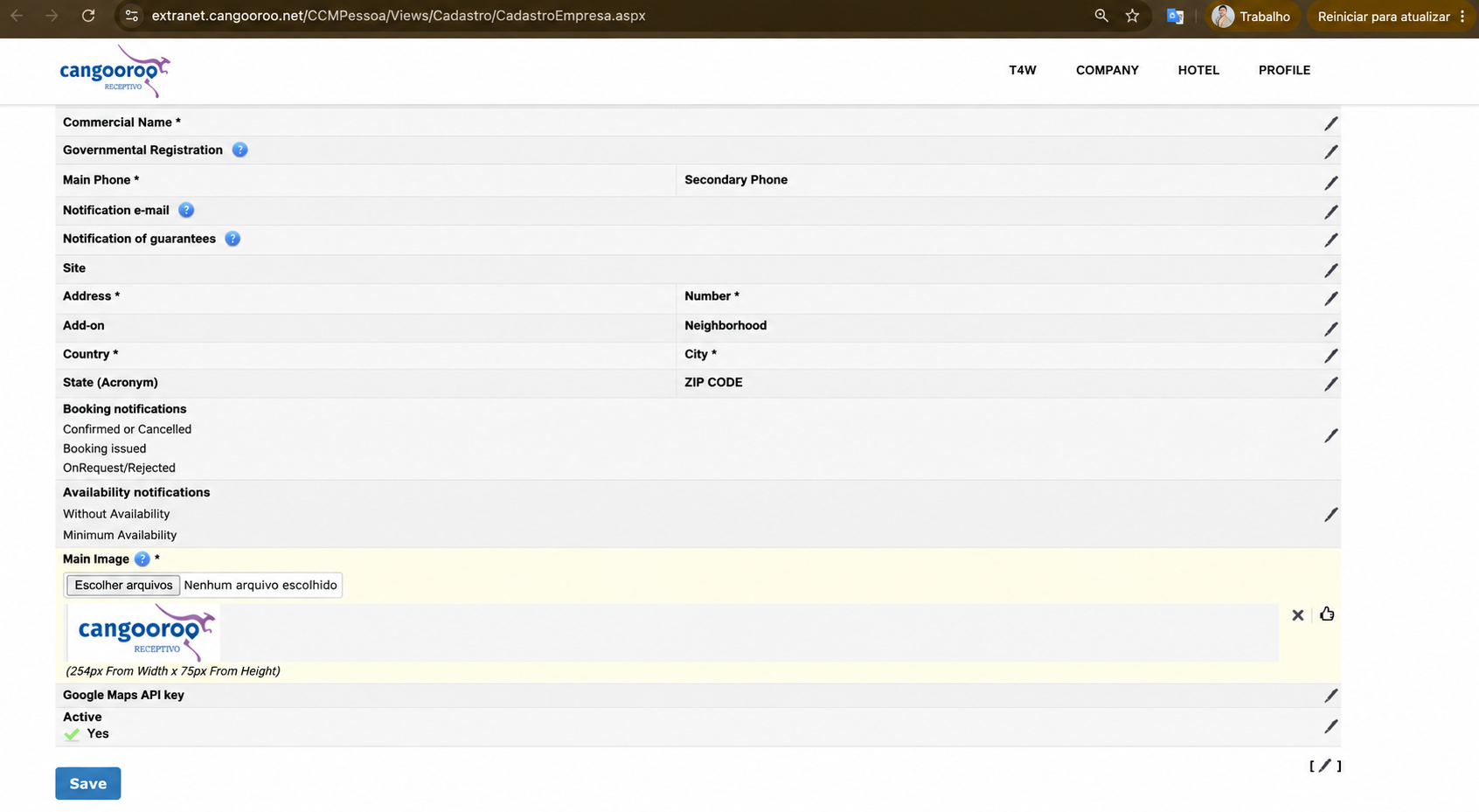
Scroll down until you find the Main Image section.
Click the pencil icon to select and upload an image from your computer.
Tip: Use the recommended image dimensions displayed in the system to ensure optimal presentation.
4. Save Your Changes.
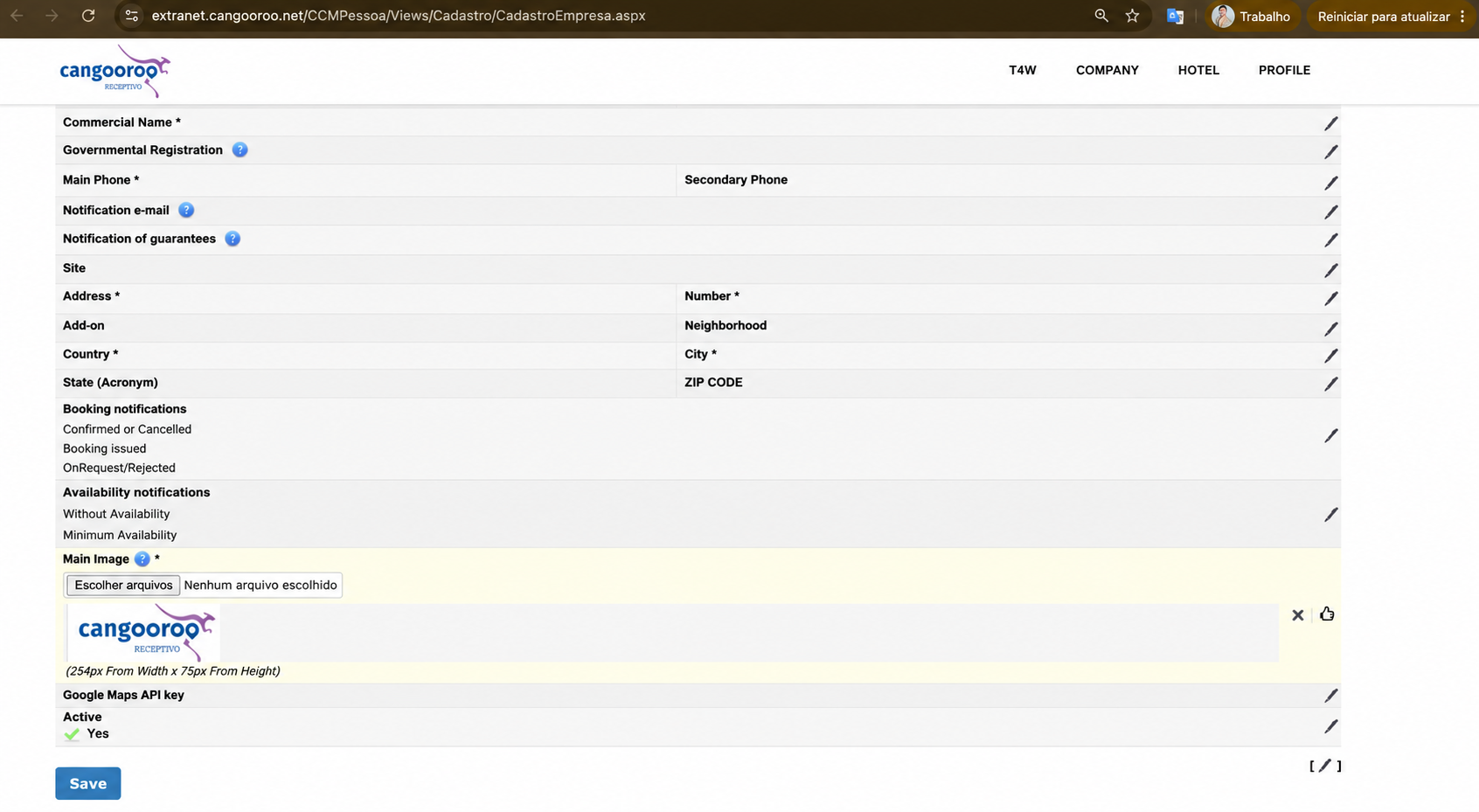
After uploading the new image, click the thumbs-up icon to confirm it.
Then, scroll to the bottom of the page and click Save to apply your changes.
Tip: Due to system caching, it may take up to 30 minutes for the updated logo to appear in newly generated emails.
5. Verify the Logo in Your Emails.
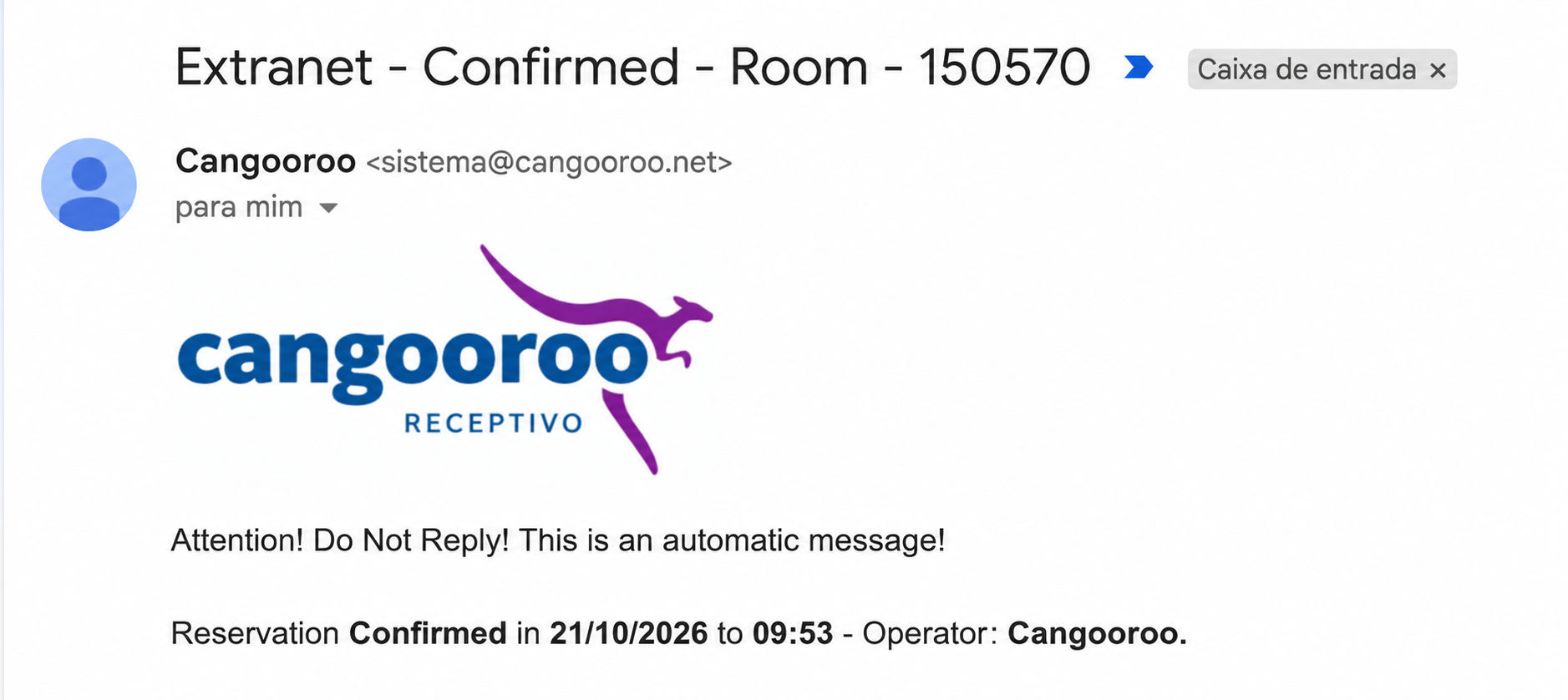
Once the changes have been applied, your updated company logo will appear in subsequent emails generated by the platform.
Below is an example of how the logo will be displayed in an email.
We hope this article has been helpful.
Should you need any further assistance, please feel free to contact us.
Cangooroo Team
Este artigo foi útil?
Que bom!
Obrigado pelo seu feedback
Desculpe! Não conseguimos ajudar você
Obrigado pelo seu feedback
Feedback enviado
Agradecemos seu esforço e tentaremos corrigir o artigo